- Open the video clip in After Effects.
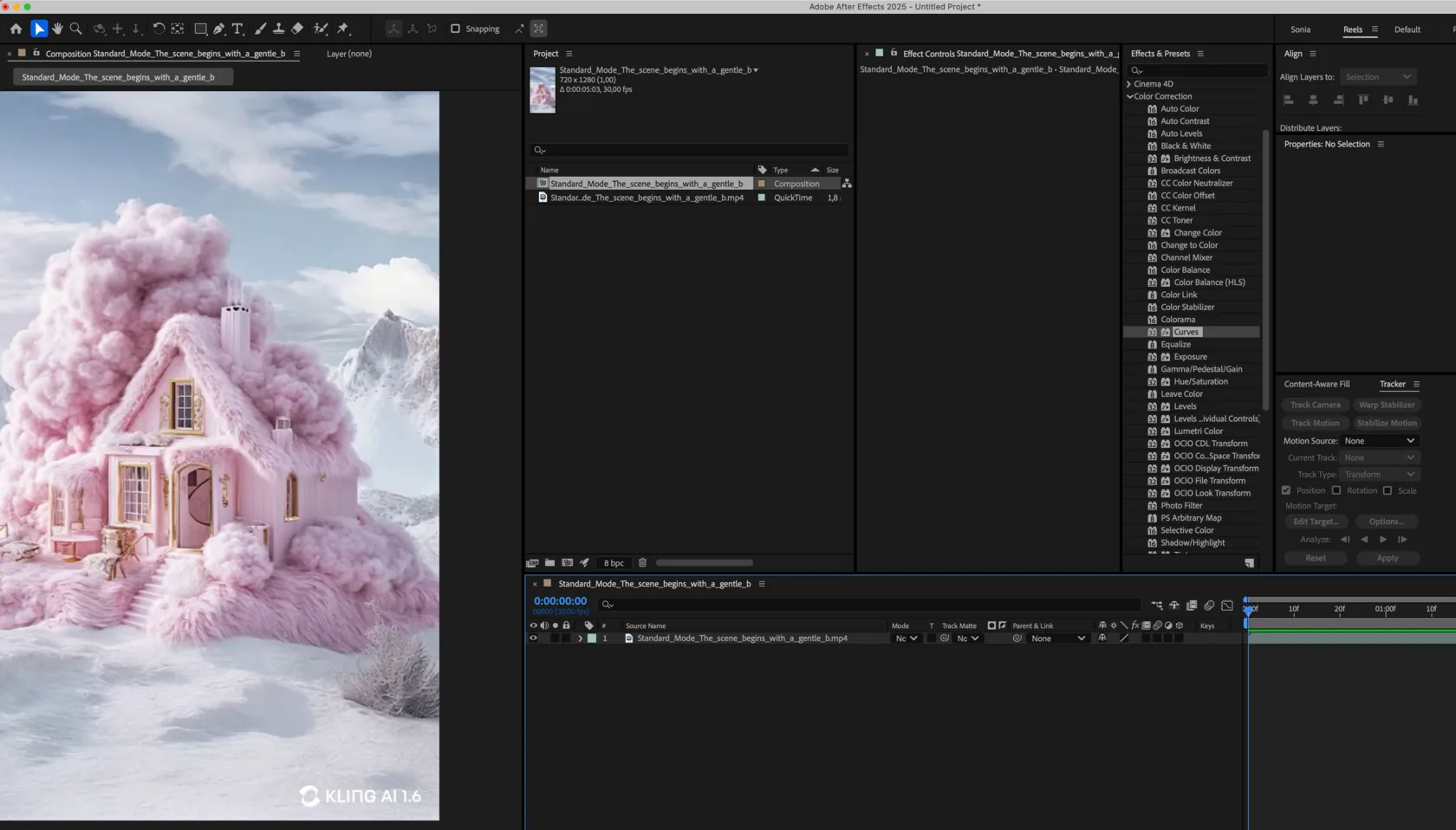
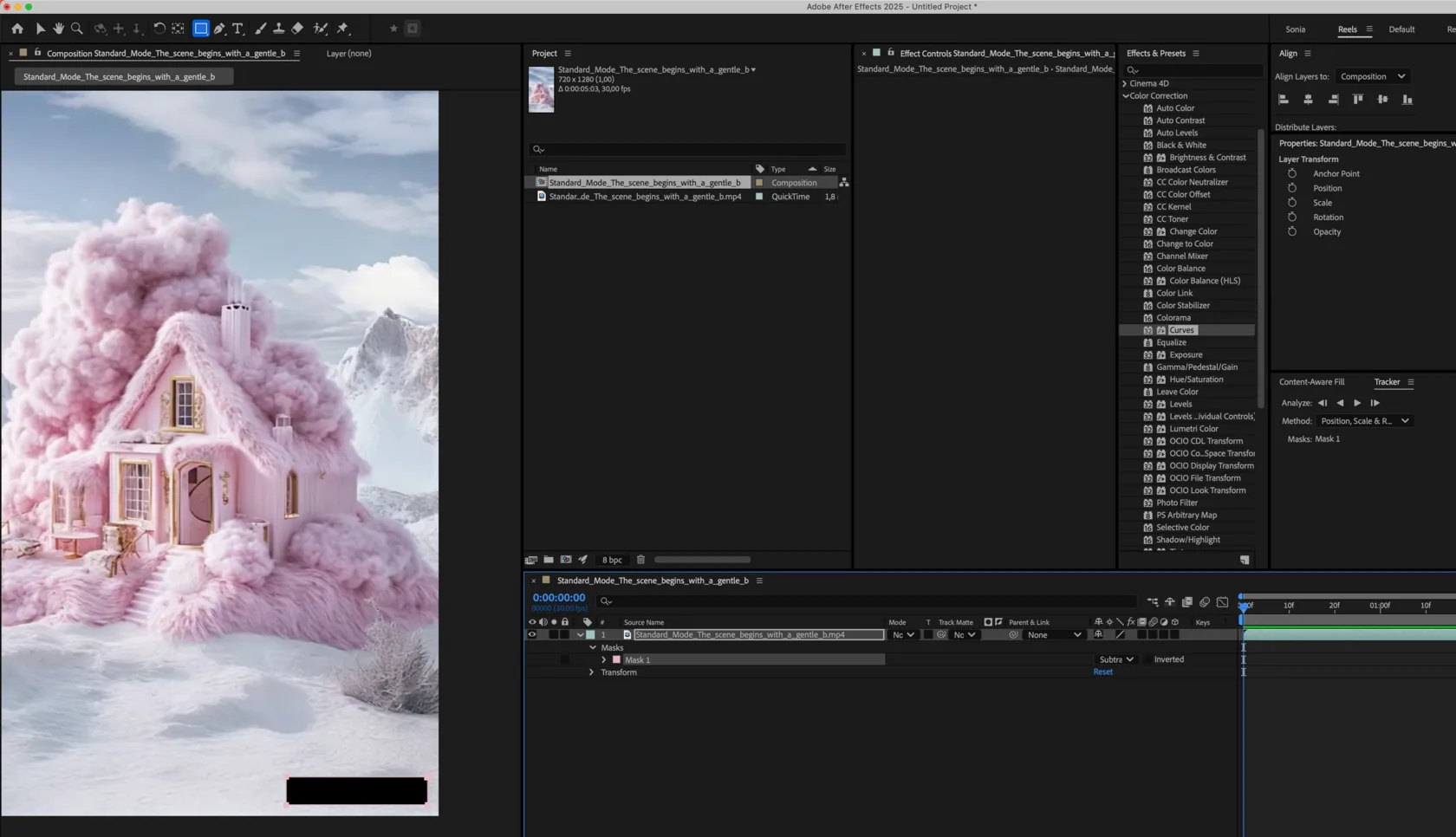
- Draw a mask around the unwanted object and set the mask mode to Subtract.
- Open the Content-Aware Fill panel.
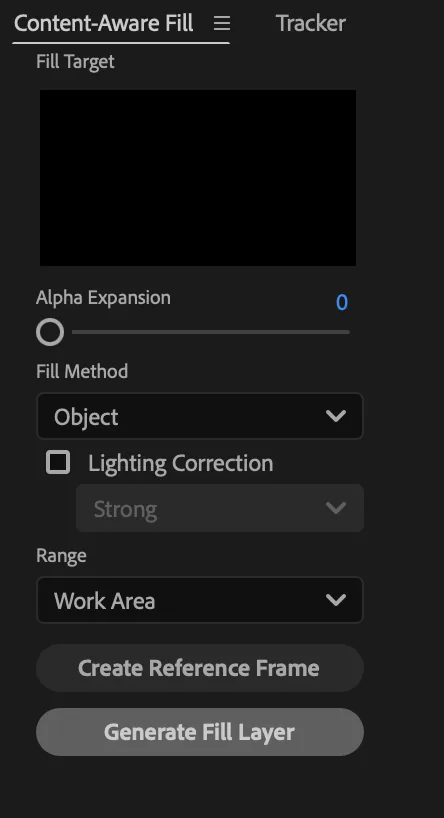
- Click Generate Fill Layer.
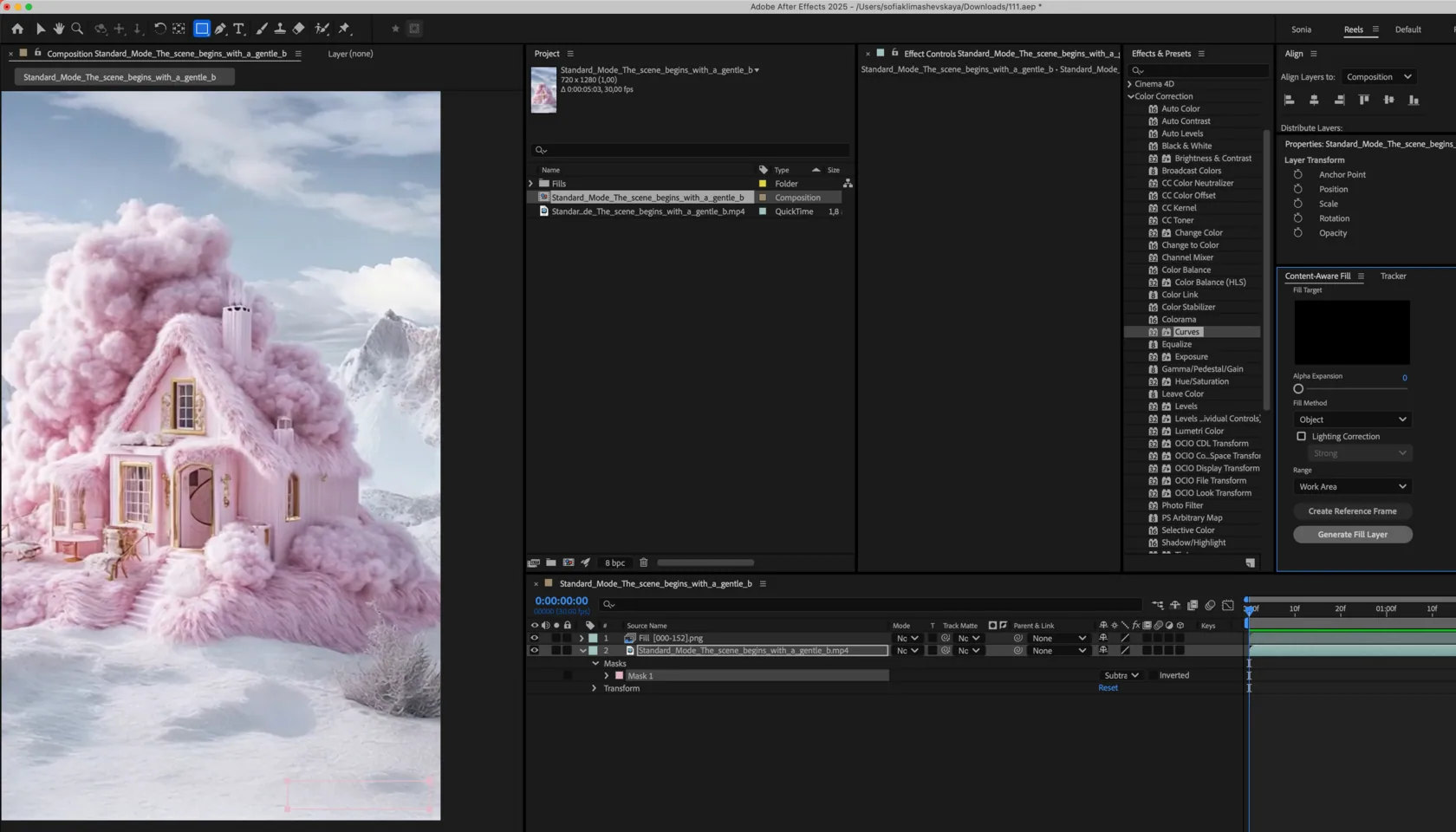
If the result isn’t good enough, try other fill methods.
Cheat sheet · February 6, 2025

A cheat sheet for switching from Cinema 4D to Blender: first settings on a Mac, the interface, shortcuts and modeling — what things are called and where to find them.

Cinema 4D generators, MoGraph, deformers, tags, simulations and animation — and their Blender equivalents: modifiers, Geometry Nodes, Constraints, Physics.

The camera, lighting, Redshift materials and rendering in Cinema 4D — and how to do the same in Blender and Cycles: Principled BSDF, HDRI, AOVs for After Effects.