CONCEPT AND IDEA
An animated intro scene with a 3D logo. The project is built on the idea of “ordered chaos”. We’re used to seeing geometry as strict and static, but in this animation the primitives get a personality. Funny, bouncy movements of simple shapes create a playful mood and hold the viewer’s attention, setting the stage for the main event — the logo reveal.ANIMATION
The animation combines keyframes and spline paths. Its key advantage is flexibility: the logo (a text element) can be customized — change the text and font without redoing the whole animation.CUSTOMIZATION
The project is designed to be simple and convenient to use, including for beginners. You can quickly replace the text or logo, adjust the colors and render the final animation.Requirements
- Cinema 4D 2026.1.3 or later;
- Redshift 2026.3.1;
- basic Cinema 4D skills.
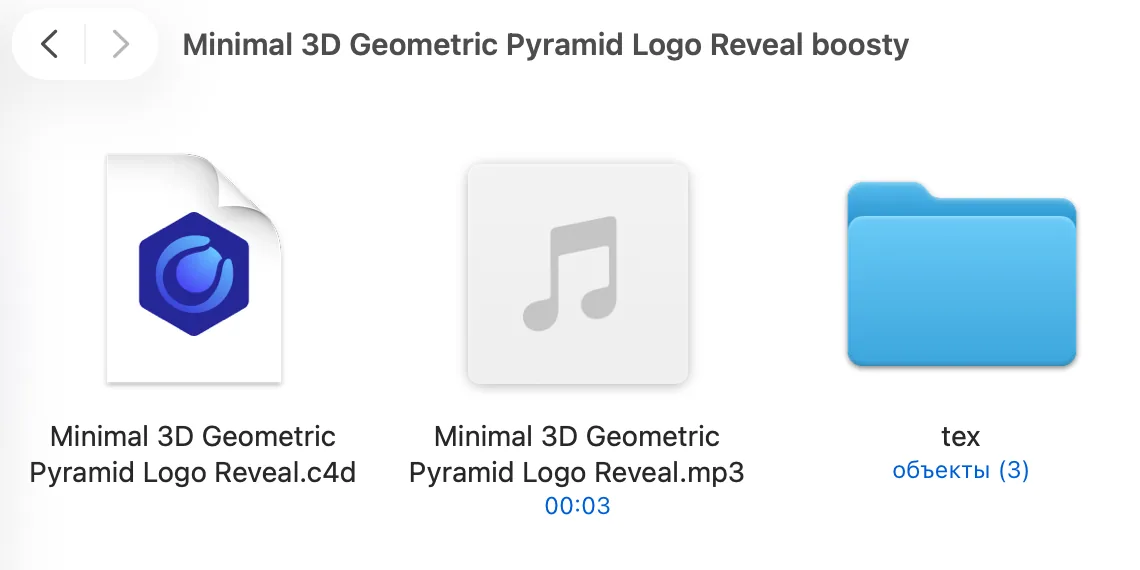
Archive contents
- main project file (.c4d);
- textures;
- sound file.
How to use
Step 1. Open the projectOpen the .c4d file in Cinema 4D.
Step 2. Edit the text
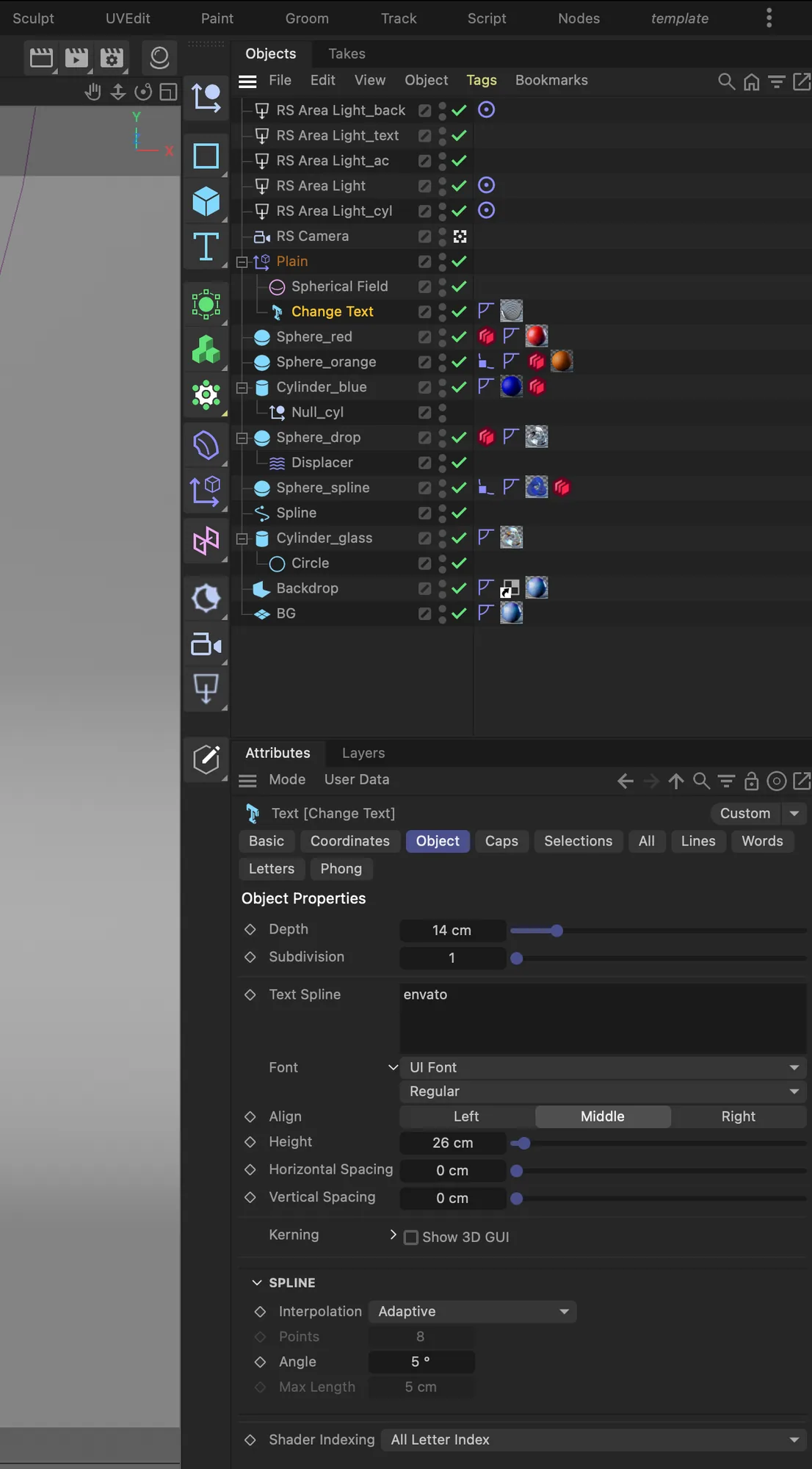
- find the text object in the scene (Change Text);
- type your text;
- change the font in the text settings if needed.
Open the render settings and adjust the output if needed:
- set the resolution;
- choose the frame rate;
- set the output format (MP4, PNG sequence, etc.);
- choose the folder to save to.
Step 4. Composite in Adobe After Effects
- import the sequence into After Effects;
- add the sound file from the archive;
- add background elements, graphics or effects if you like.
Replace the text in Change Text
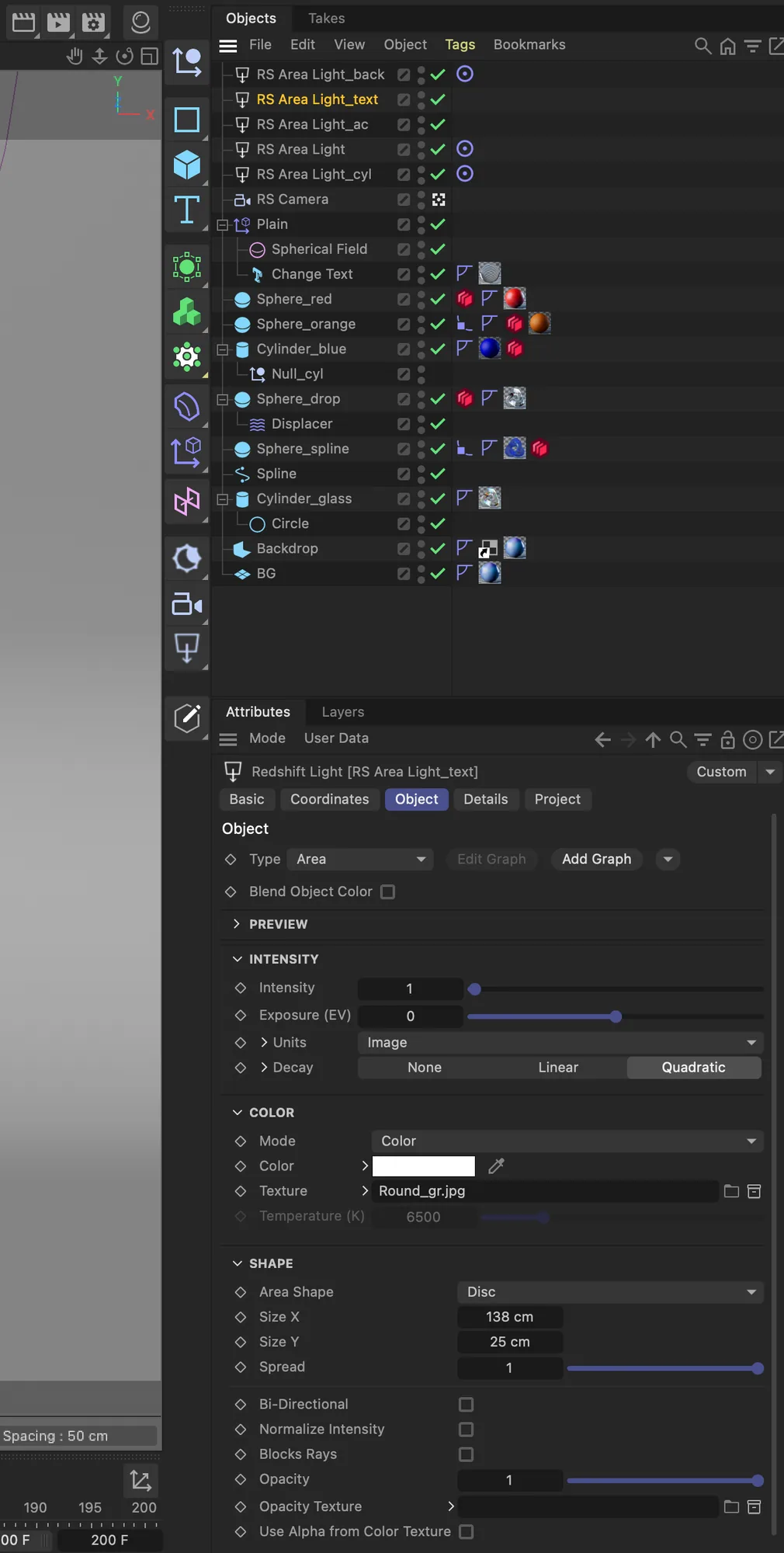
Resize the Area Light to fit the new text
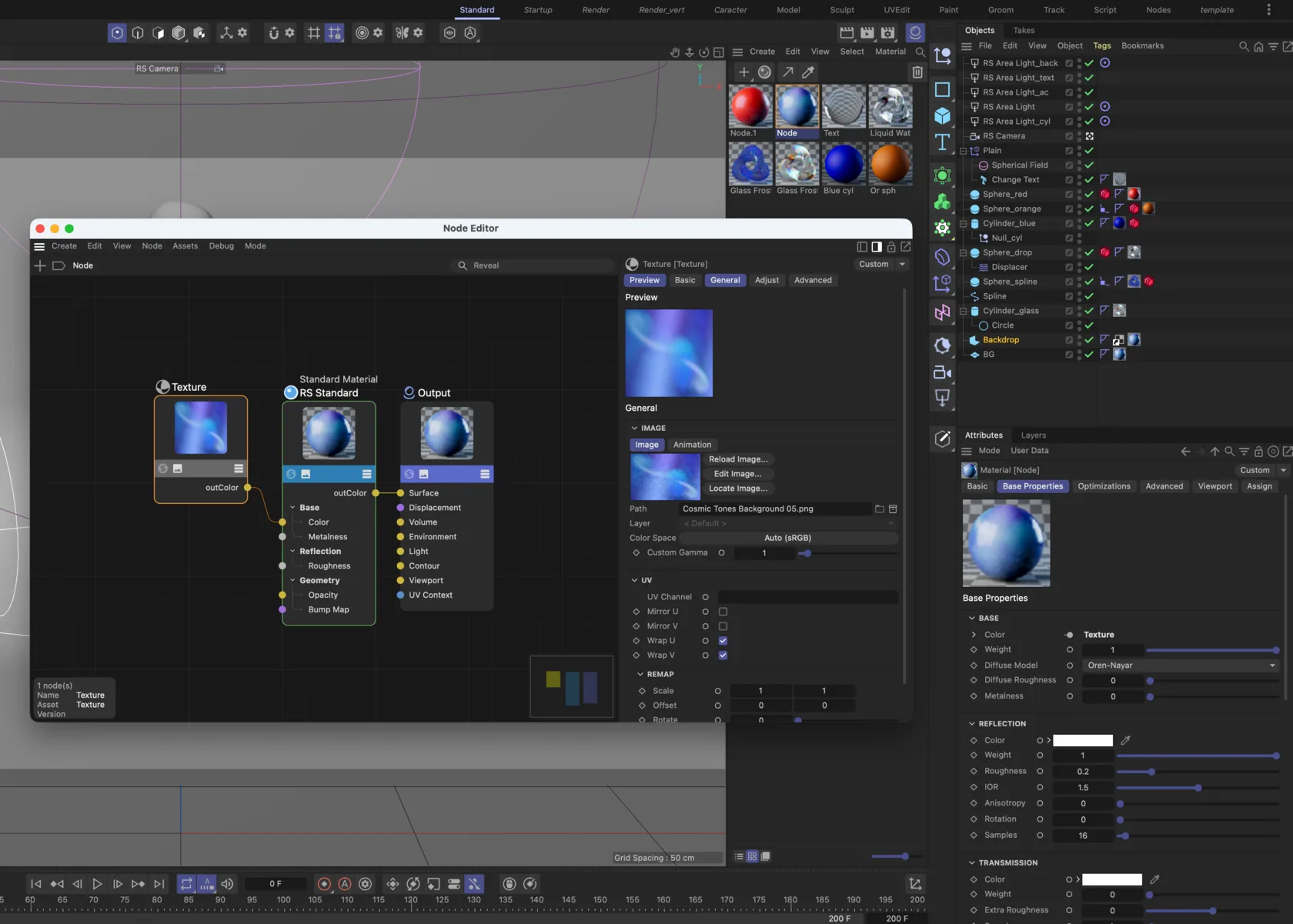
Change the background